
Android and Apple App: Row Counter
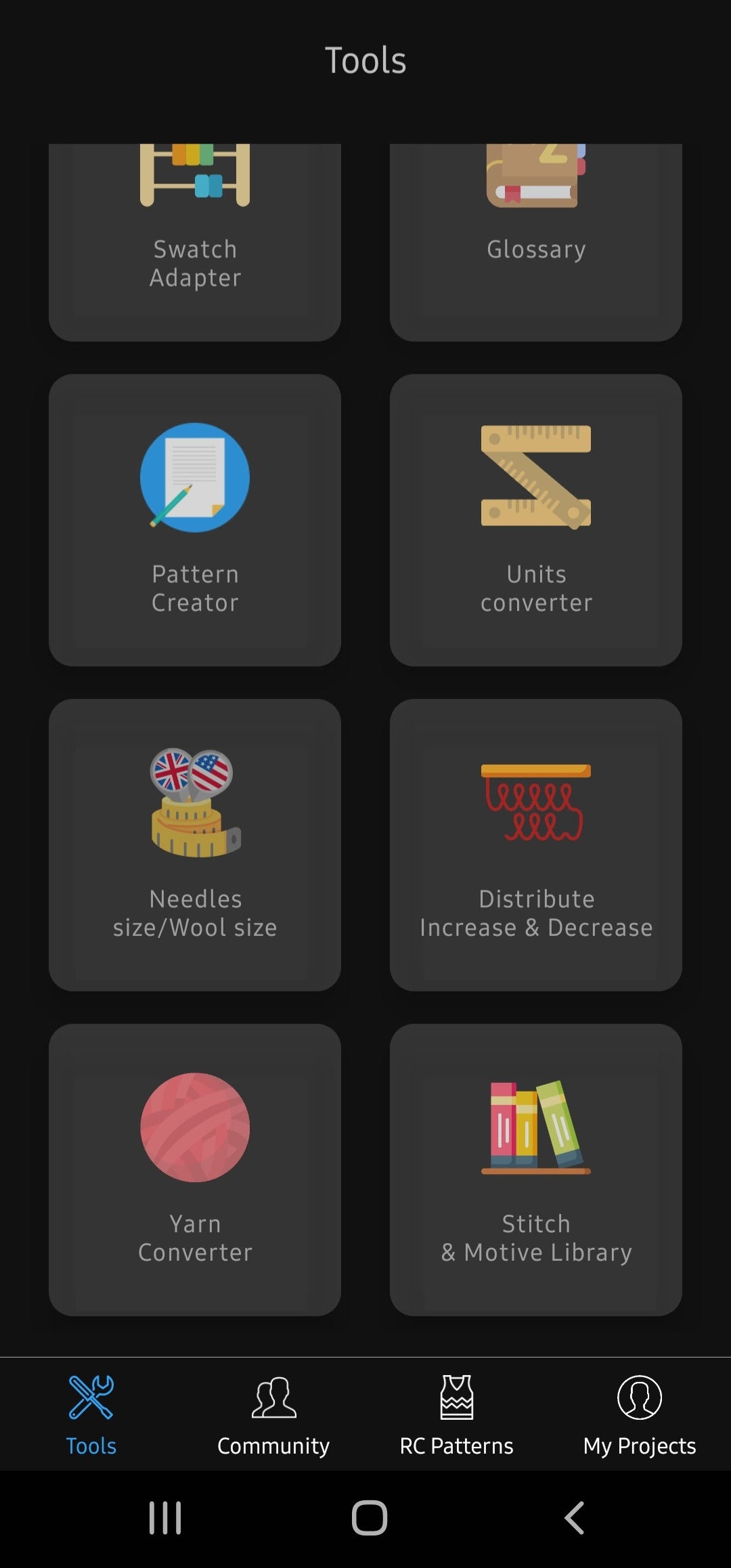
In this app when you open it, it has tools, community, RC Patterns, and my projects category at the bottom. When I first open it to the tools section. It will show you a bunch of helpful things to get started on your first project. I personally really like the Glossary where it gives you all the abbreviations and what it means.
The next section I would like to cover is the RC Patterns section. This is what I am going to look at for my next project. There are countless ideas of what a person could make next. I am not even sure what I want to do next, but if anyone has any ideas, feel free to shout out!
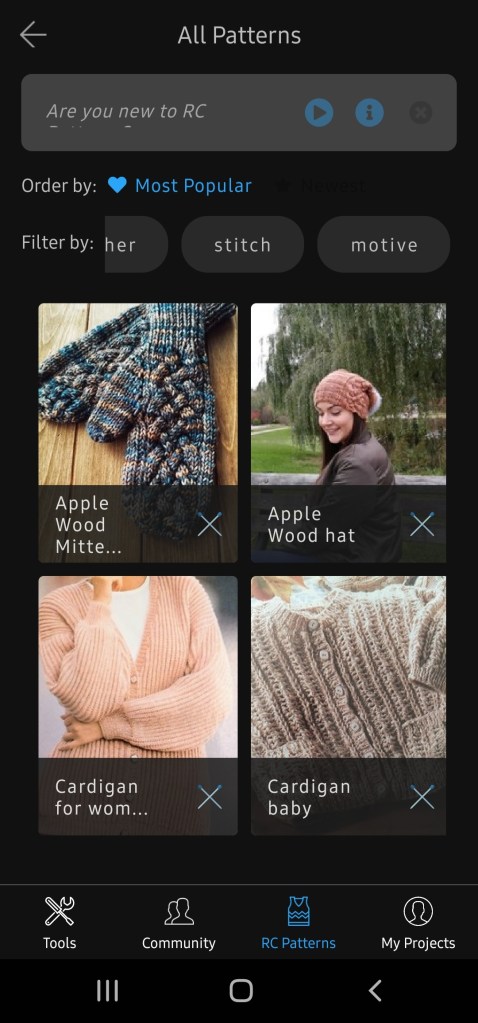
This app is very easy to use. The only part I am going to have trouble with is where it tells you the stitch and instructions on how to make something. I am going to have to do some research about what everything means and how to do a certain stitch. Bare with me during my learning project.
While discovering how to use this app I thought about how I could incorporate it into the classroom. As this app does not seem to go into the classroom well, I thought about the knitting process and how this app helps to keep track of your stitches. It could be used as an art project to stop at a place and then begin again in a few days without forgetting where you left off. As well as it could be used in the math curriculum using adding and subtracting and dimensions to figure out how big you want your square. To use this app inside the classroom we just need to think outside of the box a little bit. Here are 5 Reasons Why Knitting Should Be Taught in Schools.
 Miss Kendra Audette
One thought on “Looking into an App while Knitting”